Ice hockey scoreboard overlay for live streaming
Broadcast-style hockey scoreboard for your live stream
A period clock, penalty clocks that stop on every whistle, and a power-play banner that works out the strength for you. Add the transparent overlay to OBS, Streamlabs, or vMix in seconds.
- Works with OBS
- Browser-based
- No install
- Free to start
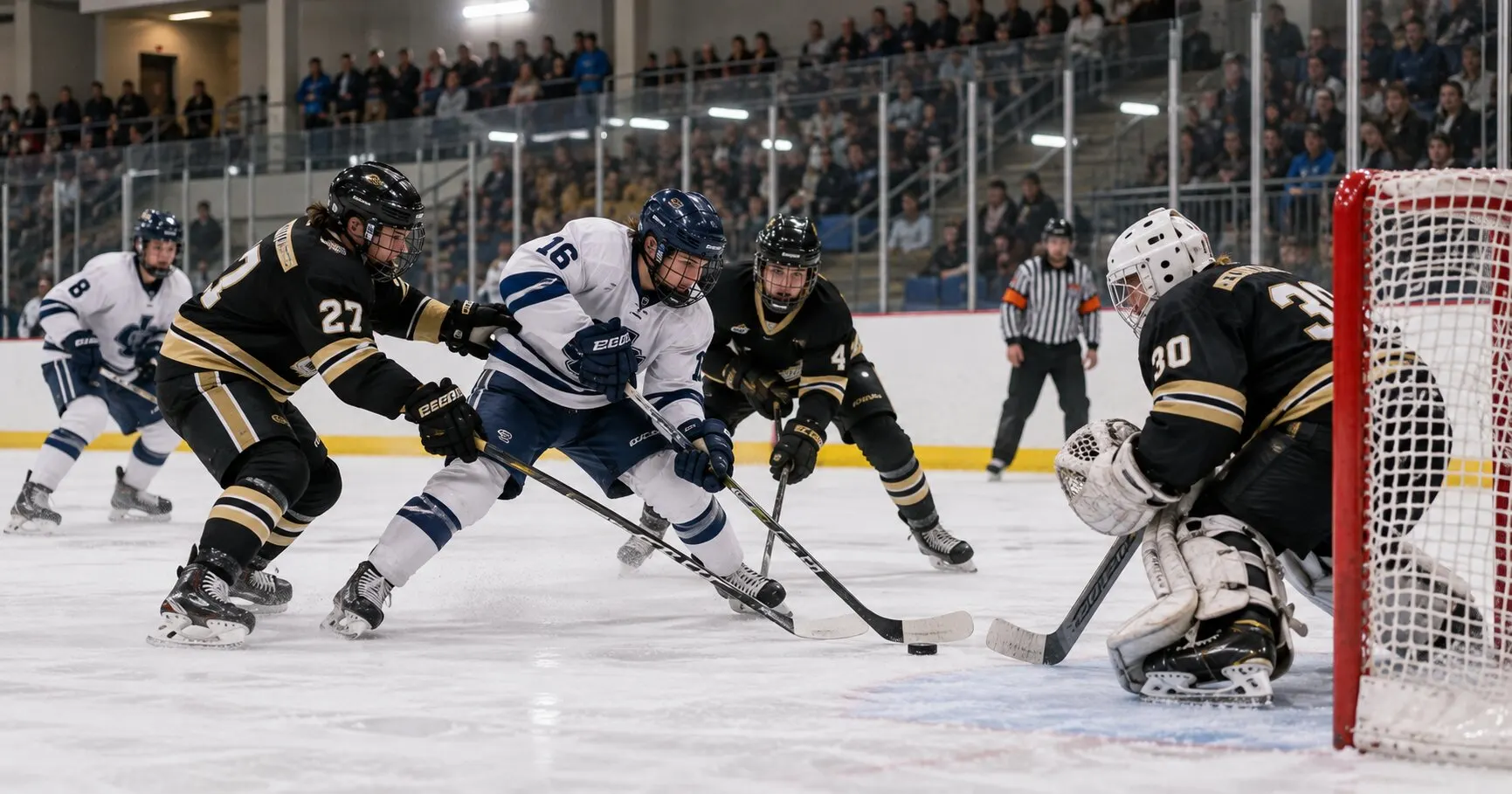
Built for hockey broadcasters at every level
- Youth and minor hockey
- Adult rec and beer leagues
- High school and club college hockey
- Junior and senior league games
- Tournament weekends
- Playoff and championship nights
See it on a real game
Switch between both hockey overlay styles, composited on a real game exactly as they appear in OBS.
Team names, scores, the period clock, and the power-play banner with time left on the penalty — exactly as it appears in OBS.
Everything you need for a professional hockey stream
No graphics operator required. Just a browser.
A period clock that fits your league
Three 20-minute periods by default. Set the period length for your age group, such as 15 minutes for 12U, and the overtime length for your competition. OT, 2OT, 3OT and shootout buttons cover a playoff game that keeps going.
Penalty clocks tied to the game clock
Send a player to the box for a 2:00 minor, a 4:00 double minor, or a 5:00 major with one tap. Penalty time runs off the game clock, so it stops on every whistle and carries over into the next period.
Power play worked out for you
The overlay shows which team is on the power play, the strength (5 ON 4, 5 ON 3) and the time left, all from who is in the box. Matching minors show 4 ON 4 with no power-play banner.
Power-play goals end the penalty
Score on the power play and the shortest minor comes off the board. A double minor drops to its second two minutes, and a major is served in full.
Timeouts with their own clock
Call a timeout and the game clock stops while a 30-second timeout clock runs on the overlay. When it reaches zero, the game clock starts again.
Empty net and penalty count
Mark a team that has pulled its goaltender for an extra attacker, and keep each team's penalty count on the bug for the whole game.
On air before puck drop
- 1
Open the control panel
Go to ScoreLayer and open the control panel in your browser. Set team names, colors and logos, and the period length your league plays.
- 2
Add a browser source in OBS
In OBS Studio, add a new Browser Source. Paste your ScoreLayer overlay URL and set the width and height to match your stream resolution.
- 3
Go live
Start your stream. Run the clock, add goals, and send players to the box from the control panel. The overlay updates live without you touching OBS.
Frequently asked questions
- What is a hockey scoreboard overlay?
- A hockey scoreboard overlay is a transparent graphic that sits on top of your live stream video, showing team names, the score, the period and the game clock, similar to what you see in broadcast coverage. ScoreLayer renders it as a browser source you add to OBS, Streamlabs, or vMix.
- Does ScoreLayer work with OBS Studio for hockey streams?
- Yes. Add ScoreLayer as a Browser Source in OBS Studio. The overlay has a transparent background so it sits cleanly over your rink footage. You run the clock and update the score from a separate browser tab or a phone, so you never need to touch OBS mid-game.
- How do the penalty clocks work?
- Pick the team and the length: 2:00 for a minor, 4:00 for a double minor, or 5:00 for a major. The penalty shows on the control panel and drives the power-play banner on the overlay. Its time runs off the game clock, so it pauses on every stoppage, carries over into the next period, and moves with the game clock when you correct it. You can adjust a penalty or clear it early if the timekeeper and the overlay disagree.
- What happens when a team scores on the power play?
- The minor penalty with the least time left comes off the board automatically. If it was a double minor still in its first two minutes, only the first minor ends and the second starts at 2:00, as the NHL and IIHF rulebooks have it. A major is served in full whatever the score, and a goal at 4 on 4 releases nobody.
- Can I change the period length for youth hockey?
- Yes. Periods are 20 minutes by default, matching the NHL and IIHF. Set your own length in the control panel: USA Hockey's 12U games, for example, are three 15-minute periods and 14U games three 16-minute periods.
- How does overtime work?
- Set the overtime length for your competition: 5 minutes for an IIHF preliminary-round game, which goes to a shootout if nobody scores, 10 minutes for an IIHF knockout game, or 20 minutes for a gold-medal game or a playoff that plays on until someone scores. The period selector has OT, 2OT and 3OT for multi-overtime games, and SO for the shootout.
- Can I run the scoreboard from a Stream Deck?
- Yes, on a paid plan. The ScoreLayer Stream Deck plugin has a hockey goal key alongside the clock and period keys, and scoreboard hardware can send the same goal through the Peripheral Push API.
- Do I need to install any software?
- No. ScoreLayer runs entirely in the browser. You add a URL as a browser source in your streaming software, and there is nothing to download, install, or configure on your computer.
- Does it work with Streamlabs and vMix?
- Yes. Any streaming software that supports a browser source or web URL input works with ScoreLayer, including Streamlabs, vMix, and Wirecast.
Ready to put a scoreboard on your next hockey stream?
Add a broadcast-style hockey scoreboard overlay to your next game. Free to try, with nothing to install.
Create scoreboard