Basketball scoreboard overlay for live streaming
Professional basketball scoreboard for your live stream
Track quarters, the game clock, timeouts, and team fouls from your browser. Add the transparent overlay to OBS, Streamlabs, or vMix in seconds — no software install required.
- Works with OBS
- Browser-based
- No install
- Free to start
Built for basketball broadcasters
- High school & youth leagues
- College intramurals
- Rec & church leagues
- 3x3 tournaments
- AAU & club events
- Park district games
See it on a real game
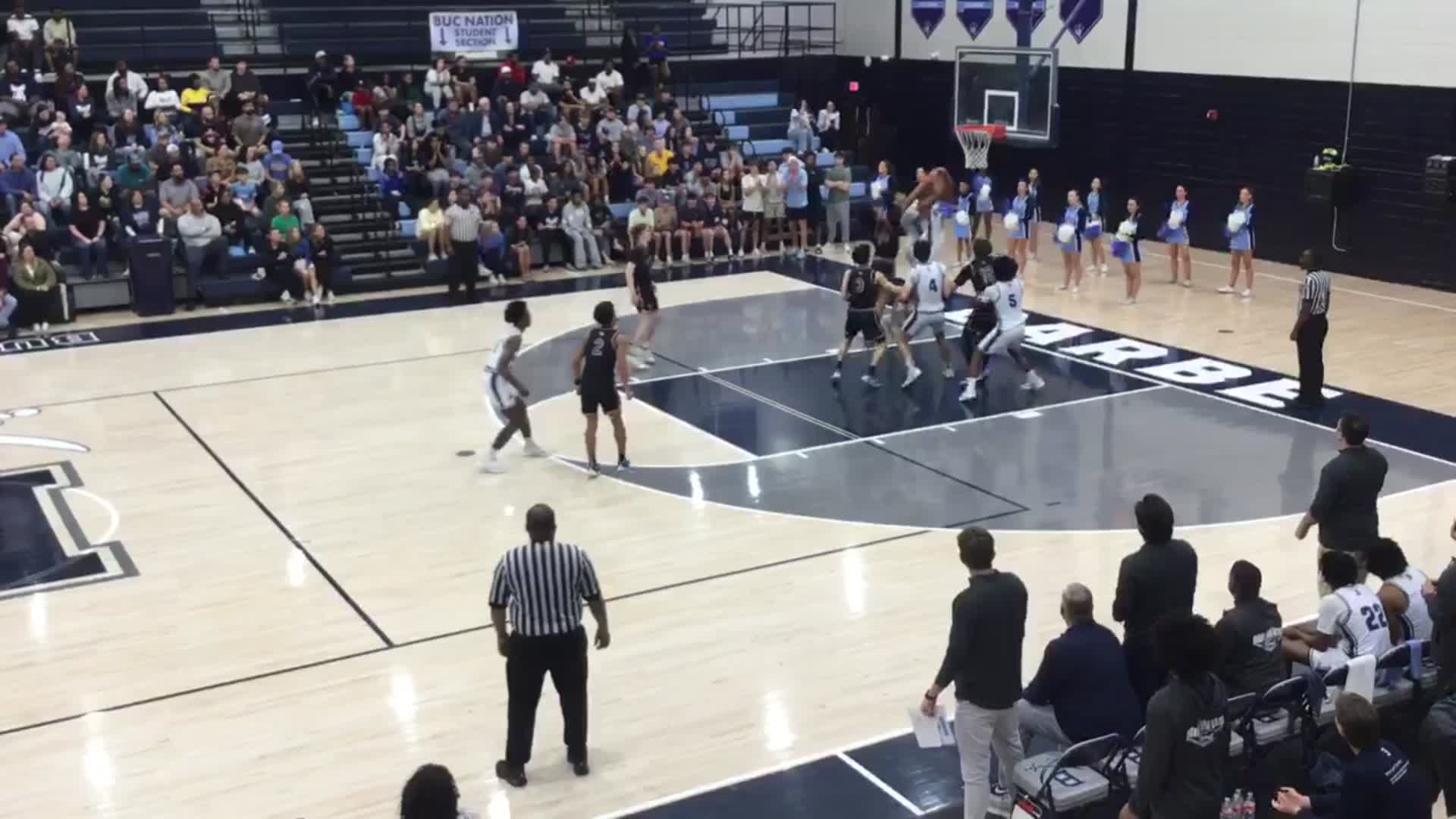
Switch between all four basketball overlay styles, composited on a real game exactly as they appear in OBS.
Team codes, live score, quarter, game clock, and season records — exactly as it appears in OBS.
Everything you need for a professional basketball stream
No graphics operator. No OBS plugins. Just a browser.
Quarter & clock tracking
Track all four quarters plus overtime with a live countdown clock. Start, stop, adjust, and reset from the control panel — the overlay stays in sync.
Team fouls & bonus indicator
Track each team’s fouls for the quarter. Once a team reaches five, the overlay automatically flags their opponent as in the bonus — no manual toggle to remember.
Timeouts
Track remaining timeouts per team and show them on the overlay so viewers always know what each team has left.
Season records
Add each team’s win-loss record and standing as free text, shown below the score on the broadcast-style overlay.
Instant sync
The control panel and overlay stay in sync in real time — no page refresh, no delay, no dropped updates mid-possession.
On air before tip-off
- 1
Open the control panel
Go to ScoreLayer and open the control panel in your browser. Set team names, colors, and codes before you start.
- 2
Add a browser source in OBS
In OBS Studio, add a new Browser Source. Paste your ScoreLayer overlay URL and set the width and height to match your stream resolution.
- 3
Go live
Start your stream. Use the control panel to update the score, clock, and fouls — the overlay updates live without you touching OBS.
Frequently asked questions
- What is a basketball scoreboard overlay?
- A basketball scoreboard overlay is a transparent graphic that sits on top of your live stream video, showing the score, quarter, game clock, and team fouls — similar to what you see in broadcast coverage. ScoreLayer renders this as a browser source you add to OBS, Streamlabs, or vMix.
- Does ScoreLayer work with OBS Studio for basketball streams?
- Yes. Add ScoreLayer as a Browser Source in OBS Studio. The overlay has a transparent background so it composites cleanly over your court camera. You control the score from a separate browser tab or phone — no need to touch OBS during the game.
- Does it track team fouls and the bonus?
- Yes. Increment each team’s fouls from the control panel as the quarter progresses. Once a team reaches five fouls, the overlay automatically shows a bonus indicator — there’s a one-click reset for the start of each new quarter.
- Can I use a short team code instead of the full team name?
- Yes, on the Broadcast 2018 overlay. Type a short code — like "LAL" or "BOS" — for each team in the control panel. If you leave it blank, ScoreLayer falls back to the first three letters of the team name.
- Can I show each team’s season record?
- Yes. Enter a free-text record — like "16-13 (7th in West)" — for each team and it displays below the score on the Broadcast 2018 overlay. Leave it blank to hide it.
- What overlay styles are available for basketball?
- Two: a compact broadcast bug that anchors to the bottom-left corner with stacked team rows, and a horizontal Broadcast 2018 bar with team codes, score, quarter, and clock across the bottom-center of your stream.
- Can I update the score from my phone at courtside?
- Yes. The ScoreLayer control panel works on any phone or tablet browser. Sit courtside and tap to update the score, clock, and fouls — no laptop or extra hardware required. The overlay on the stream reflects your update instantly.
- Do I need to install any software?
- No. ScoreLayer runs entirely in the browser. You just add a URL as a browser source in your streaming software — there is nothing to download, install, or configure on your computer.
- Does it work with Streamlabs and vMix?
- Yes. Any streaming software that supports a browser source or web URL input works with ScoreLayer, including Streamlabs, vMix, and Wirecast.
Ready to level up your basketball stream?
Add a professional basketball scoreboard overlay to your next game. Free to try — no software install required.
Create scoreboard