Tennis scoreboard overlay for live streaming
Professional tennis scoreboard for your live stream
Track sets, games, and points from your browser. Add the transparent overlay to OBS, Streamlabs, or vMix in seconds — no software install required.
- Works with OBS
- Browser-based
- No install
- Free to start
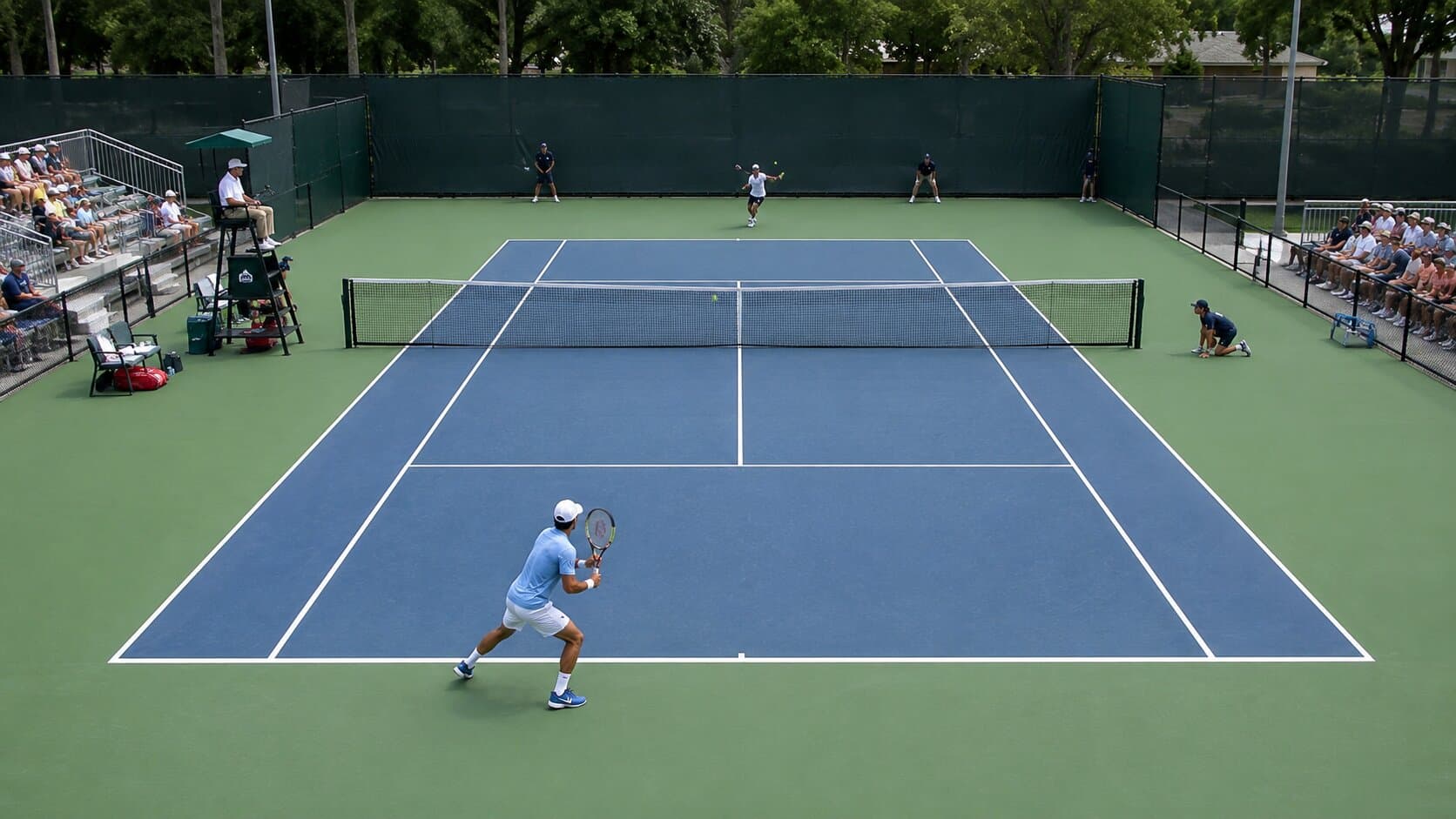
Built for tennis broadcasters
- Club championship streams
- ITF junior & senior events
- College & university tennis
- Padel & platform tennis
- Pickleball tournaments
- Amateur league broadcasts
See it on a real match
The overlay sits at the bottom of your stream exactly as it will appear in OBS.
Tennis Scorebug
Set-by-set scores, current game score, point display, seedings, country flags, and serving indicator — exactly as it appears in OBS.
Everything you need for a professional tennis stream
No scoreboard hardware. No OBS plugins. Just a browser.
Set & game tracking
Track sets won and the current game score for each player. Update with one click and the overlay reflects it live on stream.
Point display
Show the current point score — 15, 30, 40, Deuce, and Advantage — so viewers always know exactly where the game stands.
Serve indicator
Mark which player is serving. The indicator updates instantly from the control panel without touching OBS.
Player seeds & nationalities
Display player seedings and country codes alongside names — useful for tournament broadcasts where context matters.
Match & round label
Add an event name and round — 'Quarter-Final', 'Round of 32', or whatever fits — so viewers know what's at stake.
Instant sync
The control panel and overlay stay in sync in real time — no page refresh, no delay, no dropped updates mid-rally.
On air before the first serve
- 1
Open the control panel
Go to ScoreLayer and open the control panel in your browser. Set player names, seedings, and the match label before you start.
- 2
Add a browser source in OBS
In OBS Studio, add a new Browser Source. Paste your ScoreLayer overlay URL and set the width and height to match your stream resolution.
- 3
Go live
Start your stream. Use the control panel to update sets, games, and points — the overlay updates live without you touching OBS.
Frequently asked questions
- What is a tennis scoreboard overlay?
- A tennis scoreboard overlay is a transparent graphic that sits on top of your live stream video, showing the current set score, game score, and point score for each player — similar to what you see in professional broadcast coverage. ScoreLayer renders this as a browser source you add to OBS, Streamlabs, or vMix.
- Does ScoreLayer work with OBS Studio for tennis streams?
- Yes. Add ScoreLayer as a Browser Source in OBS Studio. The overlay has a transparent background so it composites cleanly over your court camera. You control the score from a separate browser tab — no need to touch OBS during the match.
- Can I track sets, games, and points at the same time?
- Yes. The ScoreLayer tennis scoreboard lets you show set scores, the current game score within each set, and the live point score (15, 30, 40, Deuce, Advantage) all at once. You decide which elements to show — if you only need sets and games, you can hide the point display entirely.
- Does it handle tiebreaks?
- Yes. During a tiebreak you switch to the point counter and update it manually — the same control you use for the regular game score. The scoreboard displays whatever value you enter, so tiebreak points work exactly like any other score update.
- Can I show player seedings and nationalities?
- Yes. The control panel lets you add a seed number and a country code for each player. Both appear alongside the player name in the overlay, which is particularly useful for tournament broadcasts where viewers may not be familiar with all competitors. The seeding shows as a bracketed number next to the player name — leave it blank for matches where seeds are not relevant, such as club or county-level events.
- Can I update the score from my phone at courtside?
- Yes. The ScoreLayer control panel works on any phone or tablet browser. Walk the baseline and tap to update between points — no laptop or extra hardware required at courtside. The overlay on the stream reflects your update instantly. This is particularly useful for outdoor tournaments where keeping equipment on court is impractical — one person can run the camera on a tripod while another handles scoring from a phone.
- Do I need to install any software?
- No. ScoreLayer runs entirely in the browser. You just add a URL as a browser source in your streaming software — there is nothing to download, install, or configure on your computer. The browser source overlays your tennis scorebug — set scores, current game score, and live points — transparently over your court camera. You can update the score from a phone at courtside without touching the laptop running OBS.
- Does it work with Streamlabs and vMix?
- Yes. Any streaming software that supports a browser source or web URL input works with ScoreLayer. This includes Streamlabs, vMix, Wirecast, and most other professional streaming tools. For tennis tournaments with multiple court cameras, vMix is a popular choice — ScoreLayer runs as a browser source layer on top while you switch between camera angles. Streamlabs works well for single-court club streams and academy match days.
- Can I use ScoreLayer for padel or pickleball?
- Absolutely. The tennis scoreboard works for any racket sport with a similar scoring structure — padel, pickleball, platform tennis, and more. Just label the sets and games however suits your format.
Ready to level up your tennis stream?
Add a professional tennis scoreboard overlay to your next match. Free to try — no software install required.
Create scoreboard